 Smartify
Prompt Engineering Labs: Consistent AI Output Across a Team
If five people ask the same tool for the same thing, do you get five different answers?
Labs are for teams where that question hurts. We coach your people to write prompts the same way, test them together, and keep the ones that work. The skill stays with your team after the lab ends.
- What it includes
- Shared prompt templatesContext, format, and do-not-say rules, tested on tricky cases and assigned an owner
- Who it is for
- Teams whose AI output reaches customersSeveral people, customer-facing work, and templates that need an owner
Why output drifts from desk to desk
Drift starts small. One person adds "keep it short." Another pastes in an old price sheet. A third never gives the AI an example of a good answer. Each prompt works for whoever wrote it, so nobody notices that a customer email from sales reads nothing like one from support. When people cannot trust the results, usage flattens within a few weeks and they go back to writing by hand.
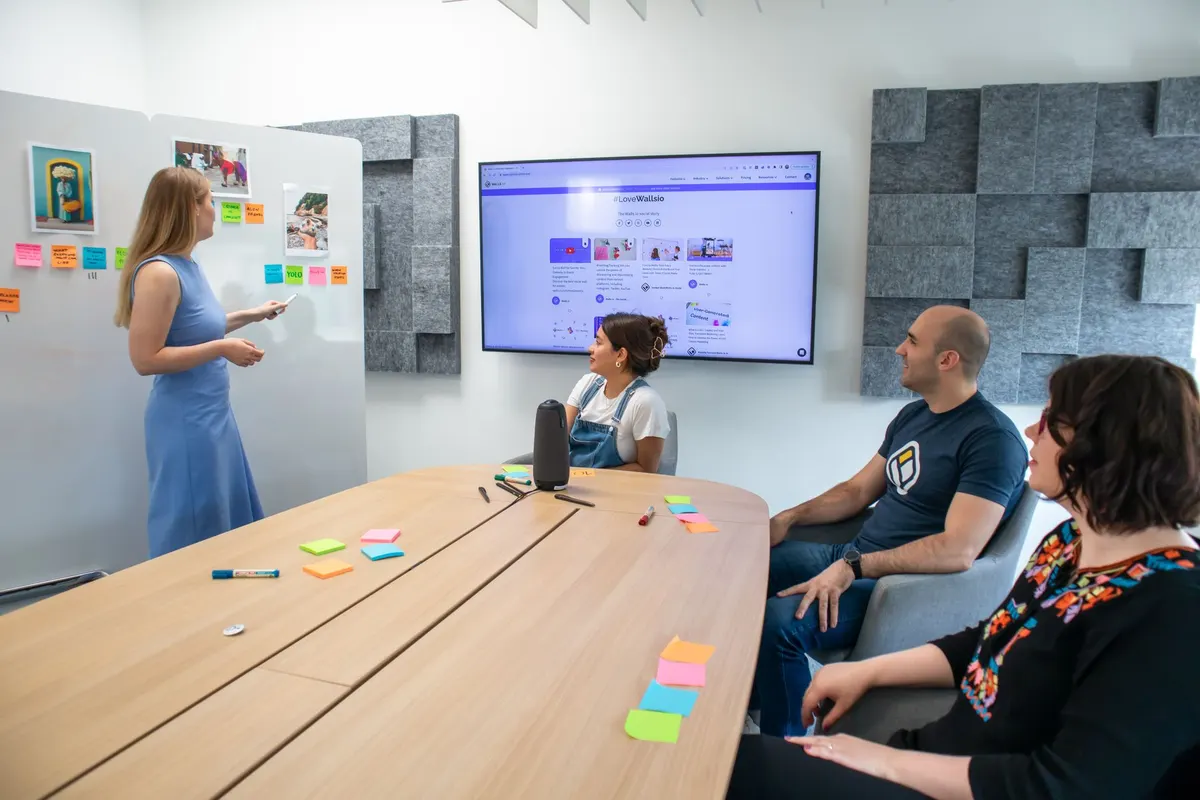
In a lab, the team does this together:

Bring real tasks
A quote follow-up, a support reply, a weekly report.
Write prompts side by side
Compare the output from the same input.
Find where results split
It is usually missing context, vague tone, or no example.
Build shared templates
Set parts for context, format, and do-not-say rules.
Test the tricky cases
Before anyone relies on a template.
Name an owner
Decide who owns each template and how changes get made.
Why a retained curriculum beats a single workshop
A one-day AI Training Workshop and a lab series can cover the same skills on day one. The difference shows up a month later, when the tool updates, a product line changes, or a new hire arrives who was not in the room. Nobody is sure whether the old template still holds, so people quietly return to their own versions.
A model update
Your team retests the templates before customers notice a change.
A new policy or price
The template owner updates the shared version instead of five people patching their own.
A new hire
They produce the same support reply as a veteran in week one.
An edge case
It joins the test set so it cannot slip through again.
Coaching between labs matters. Template owners bring back what went wrong and we work through it with them. Over time they need us less. A single session is the right call when your team is new to AI and wants shared basics. Once consistency has real stakes, with several people producing customer-facing work, ongoing practice keeps the shared library trustworthy.
What changes the scope is the number of teams taking part, the number of real workflows you want covered, and how much coaching your template owners need between labs. Ask any provider whose real work the labs are built on, who owns the templates when training ends, and how the team keeps them current when tools change.
Seeing five answers to one question?
Send us one task your team runs through AI. We will tell you whether a lab fits or whether to fix something else first.
Rules belong in the prompt, next to the technique
Most teams learn prompting in one place and rules in another. Months later a PDF arrives about what AI must never do, and the two never meet. Good technique makes output confident and polished, and polished output that promises a refund you do not offer or quotes an old price is more likely to be sent without a second look. Under pressure on a support ticket, nobody opens the policy. They open the tool. So the rule has to live in the prompt.
- What data never goes into a prompt, such as account details or private health and payment information.
- Claims the AI must not make: pricing, delivery dates, promises only a manager can approve.
- Words and phrases your company does not use.
- When a human reviews output before it reaches a customer, and who that reviewer is.
- What the AI says when it does not know, instead of guessing.
Then the team tries to break the rules on purpose: ask the template for a discount it should not give, paste in a messy email with a phone number buried inside. If output slips, the template is fixed on the spot, while everyone can see why.
A lab teaches your team to apply rules in prompts. It does not decide what the rules should be. In a regulated field your legal or compliance people set the lines. If you have no written rules yet, start with AI Playbook and Guardrail Development, and use Brand Voice and AI Output Governance Training for tone.

Some teams should wait before booking a lab
A lab only works when your team can bring real work into the room and keep practicing after it ends.

Wait
Close these gaps first
- No AI tool is picked or approved, so templates will not transfer.
- No clear rule on what data may go into AI.
- Some attendees have paid seats and others use limited free versions.
- The workflow is being redesigned this quarter.
- Nobody can own the templates.
- The task runs the same every time, like copying form data into a CRM. That is automation, not prompting. See AI Automation Solutions.
Ready
Book the lab
- AI output already reaches customers directly.
- New hires need to produce the same work on day one.
- Two teams have given different answers to the same question.
- You can bring weekly tasks into the room.
A quick test: pick one weekly task, such as a follow-up email, and have three people run it on the same input. If all three results are fine to send, you are in good shape. If they differ in tone, facts, or promises, a lab has something to fix. Also check timing: a team heading into its busiest stretch will not have the attention for it. We have run this kind of training with teams at CourtsApp and BGR.
What it costs
The price of Prompt Engineering Labs depends on what you need, so we scope it with you before we quote. A short call is enough to get a number, and it never sits behind a form.
Four things move the price up or down.
- Scope. A single team or process costs less than several departments in one engagement.
- How many people or systems are involved. More staff to train, or more tools to connect, means more time.
- How ready your information is. Clean, documented processes and data shorten the work. Scattered ones add prep.
- What happens afterward. A one-time deliverable costs less than work that includes follow-up support or ongoing upkeep.
Whoever you hire, ask what is included, what counts as extra, and who owns the result when the work ends. Ask us for a quote.
Questions we get
What is a Prompt Engineering Lab?
Hands-on training where your team writes, tests, and fixes prompts on its own real work until everyone gets output that sounds the same and checks out the same.
How is a lab different from a workshop?
A workshop gets everyone on the same page fast. A lab is a retained practice: the team returns to the same real tasks as the work and tools change, with coaching between sessions.
Does the lab decide our rules?
No. It teaches your team to apply rules in prompts. In a regulated field your legal or compliance people still set the lines.
Who owns the templates afterward?
Your team does. We name an owner for each template during the lab and teach how changes get made, so the capability stays with you.
More in Training
Teach your own people to use AI well, so the skill stays in the building. See all services.
AI Training & Development
Turn everyday work into AI-powered performance.
AI Opportunity Assessment
A ranked list of where AI helps your business, where it does not, and what can wait.
AI Readiness Audit
Five checks on your data, systems, skills, rules, and work, ending in act, fix first, or wait.
AI Training Workshops
A hands-on first session on your team's own tasks, followed by a simple plan to keep the habit.
AI Playbook and Guardrail Development
Teach your managers to write, test, and maintain the rules for what AI may be used for.
Cloud and AI Readiness Training
Your team learns to read, fix, and run the cloud setup AI depends on, without a weekly consultant.